Foreword
Tired of repeatedly placing fences? Now you can easily create custom fences, freely matching column and handrails, all without complicated operations.
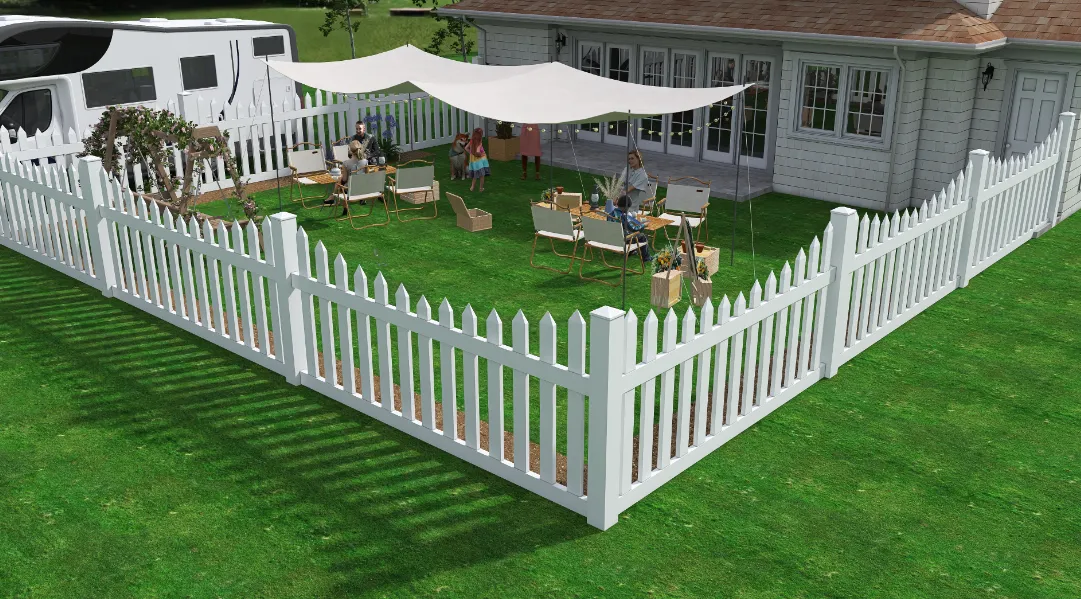
The operation process and parameter settiengs for railings and fences are exactly the same except for the style, so they will not be explained separately.
I. Entrance
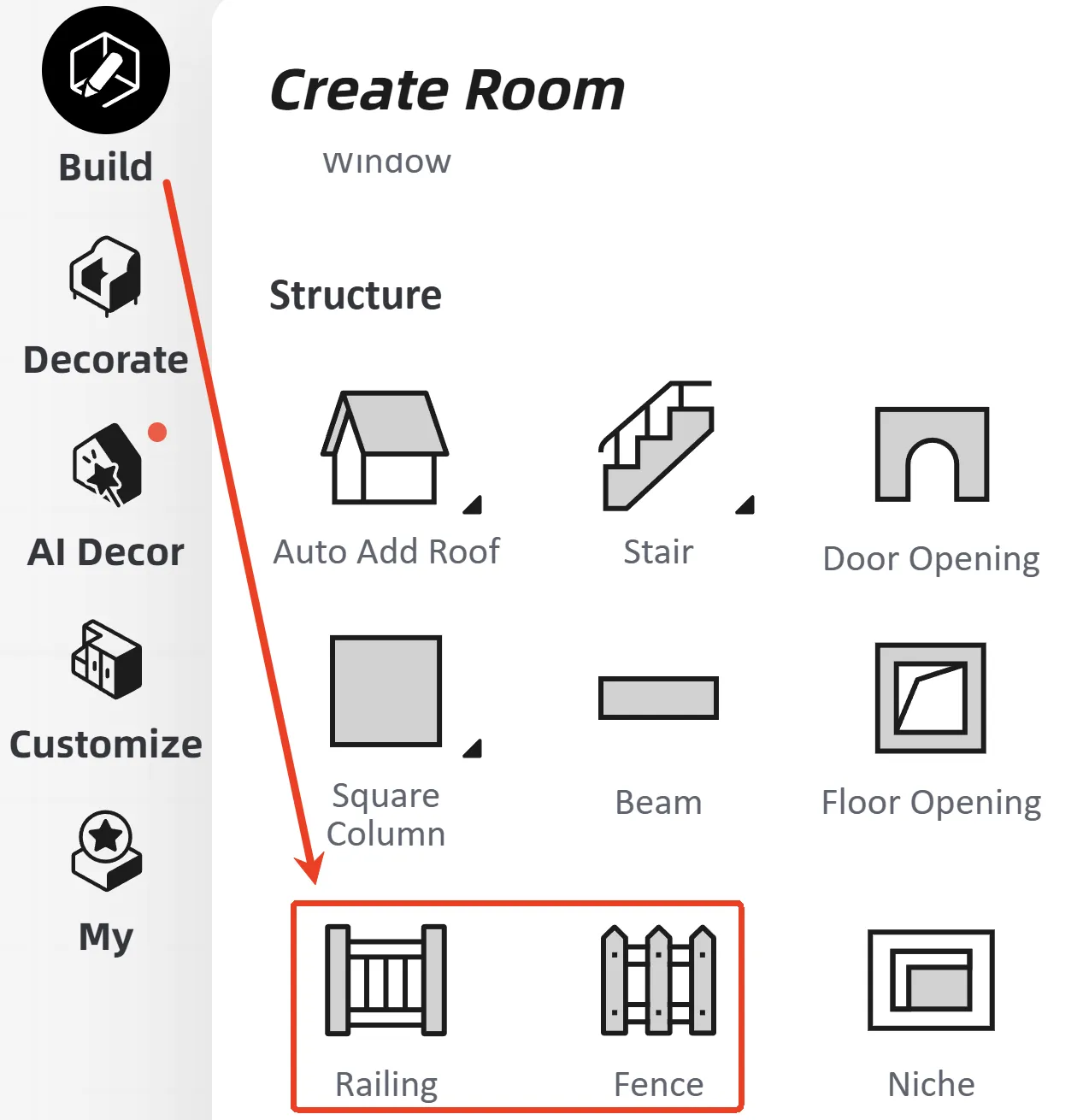
Find the "Fence" and "Railing" features in "Build" - "Structure".
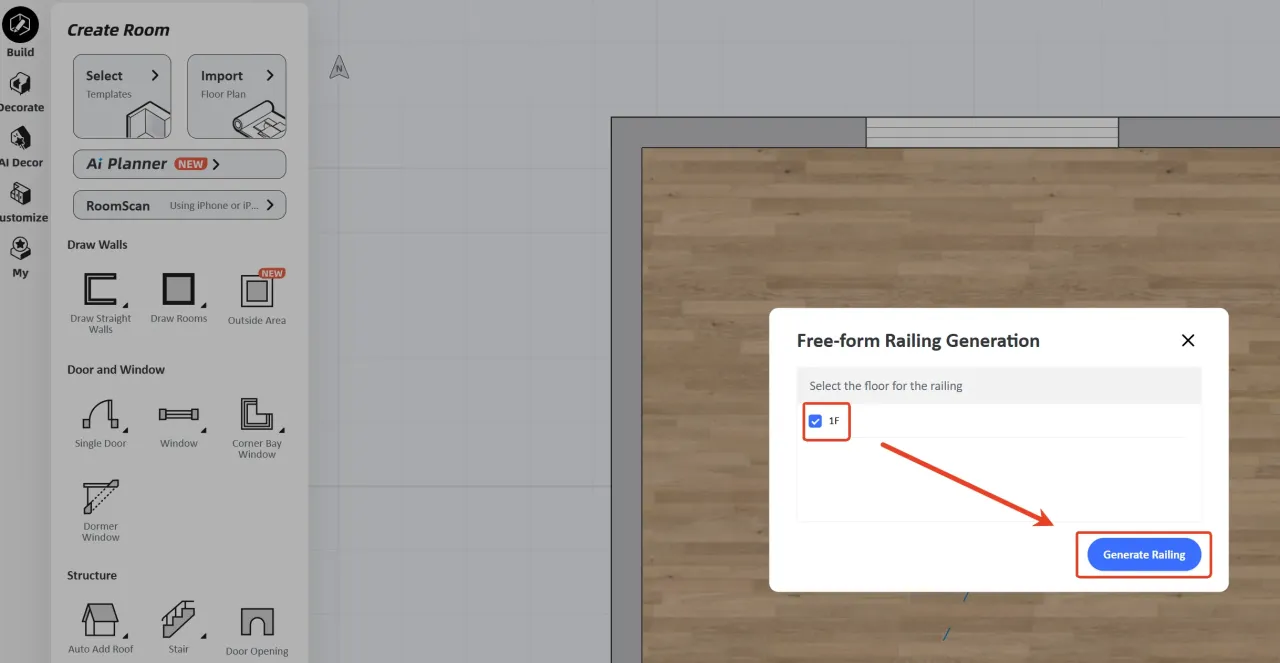
A pop-up window will appear asking which floor you want to create the railing/fence on. Select according to your needs; this tutorial uses 1F as an example. Click "Generate Railing".
II. Function Introduction
Path drawing
Use the Line or Rectangle tool to draw the path of the fence/railing.
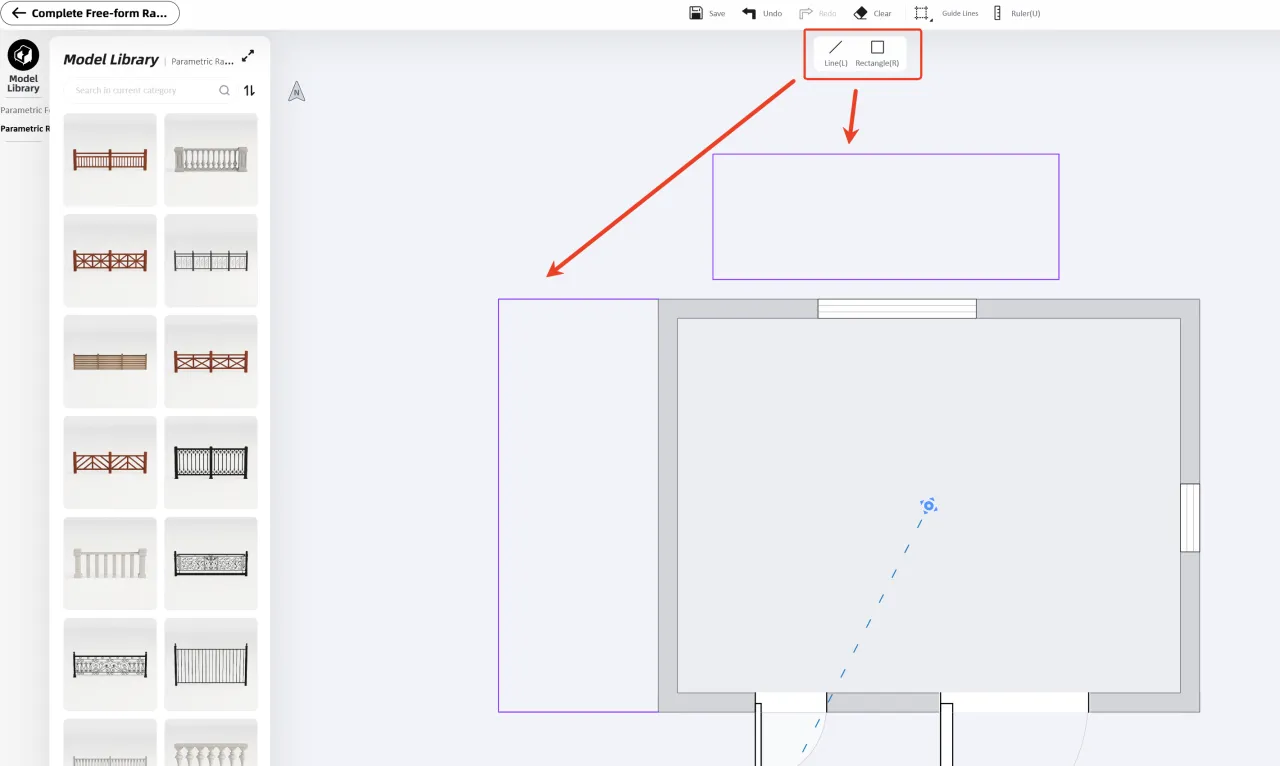
Click on the desired fence/railing model, then move the mouse over the path.
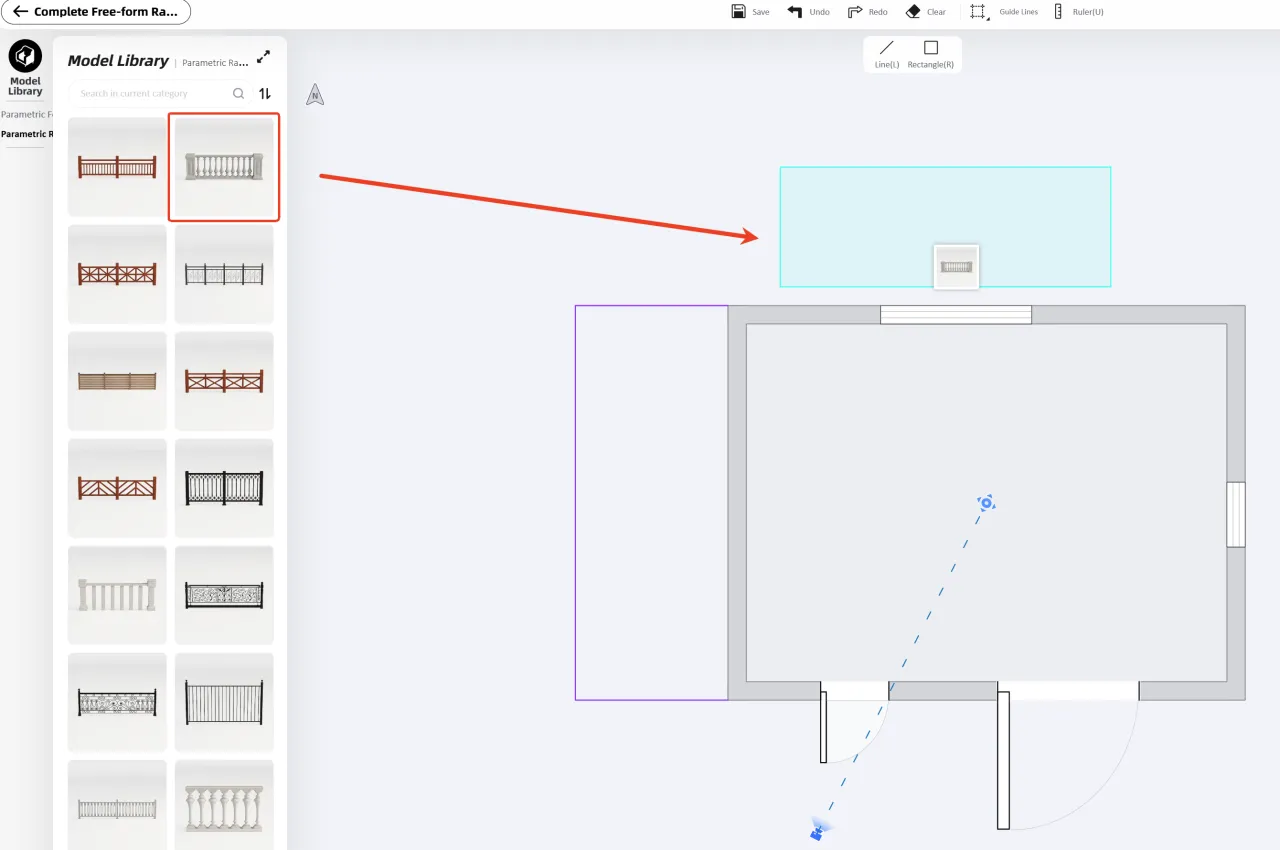
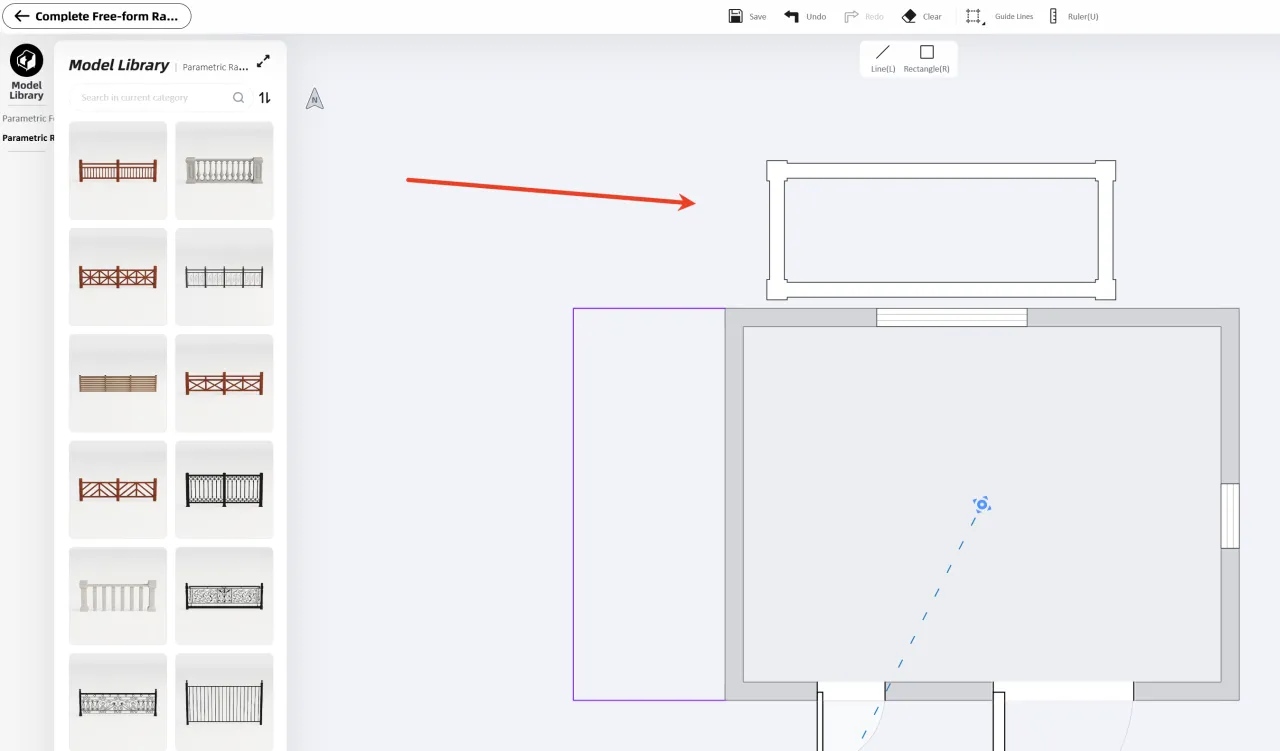
A single click successfully places a fence/railing.
Parameter
Clicking on the arranged fence/railing will take you to the "Parameter Settings" function.
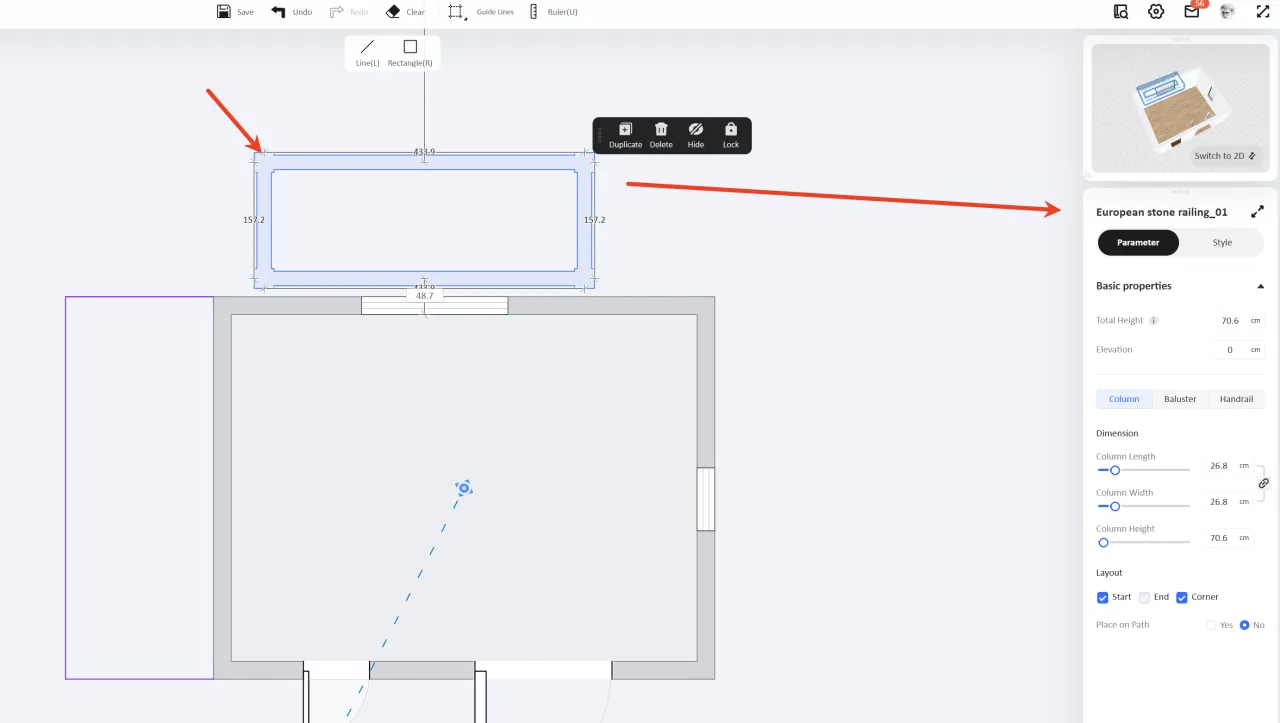
Basic properties
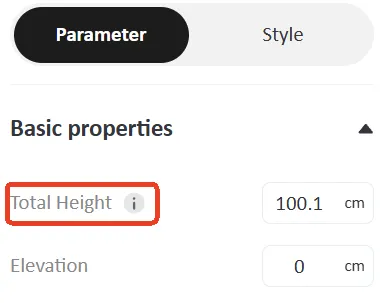
Total Height:Overall height of railing/fence.
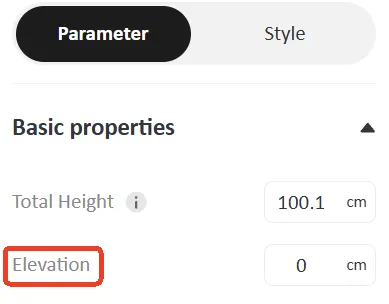
Elevation:The height of a railing/fence from the ground.
Column、Baluster、Handrail
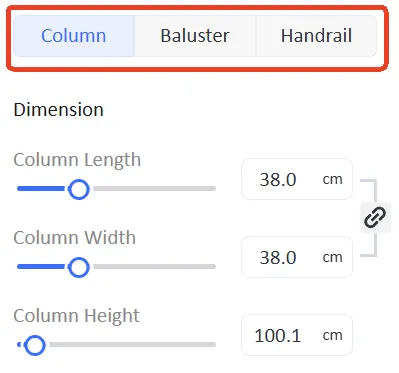
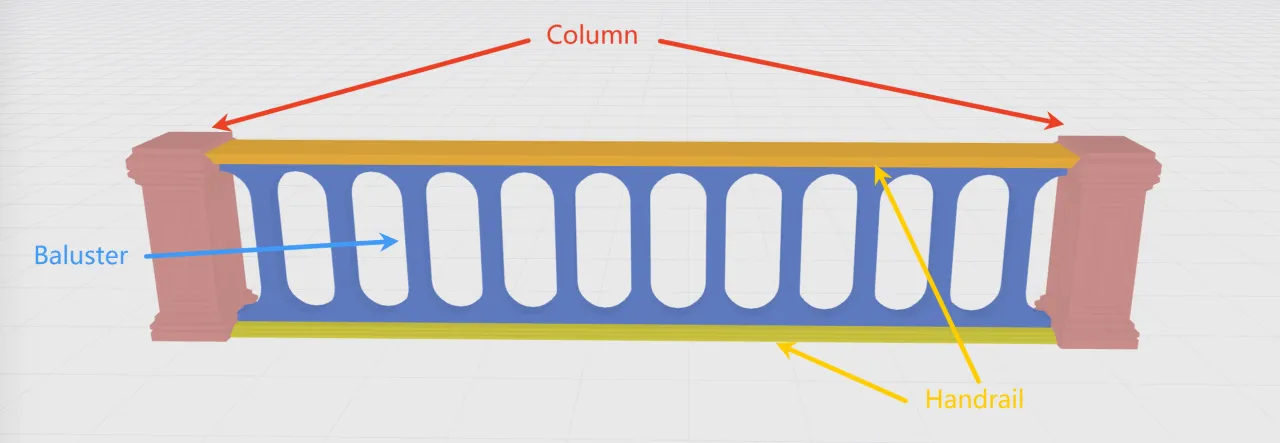
The parameter settings divide the gailing/fence into three parts.:Column、Baluster、Handrail
Column
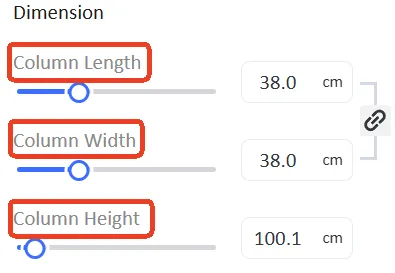
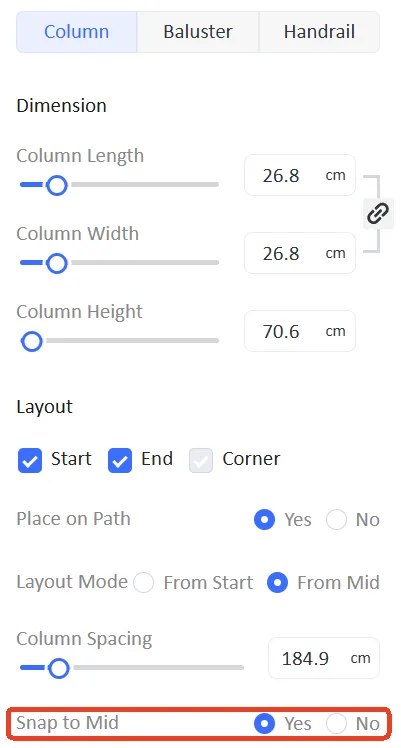
Dimension:You can set three parameters: Column Length, Column Width, and Column Height.
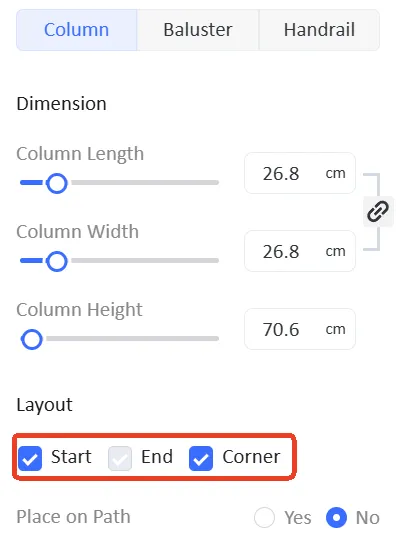
Layout:Whether to generate columns at the "Start", "End" and "Corner". Check the box to generate, or uncheck the box to prevent generation.
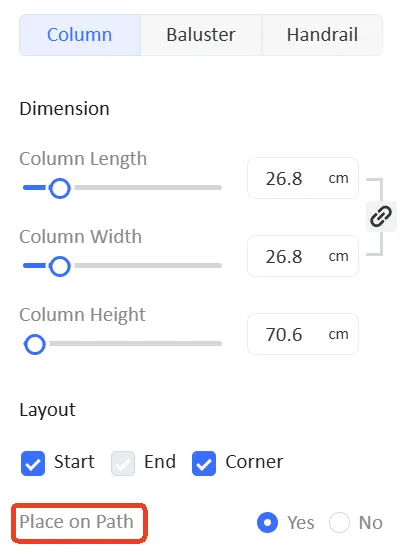
Column Spacing:Whether to generate a "Column" on the path.
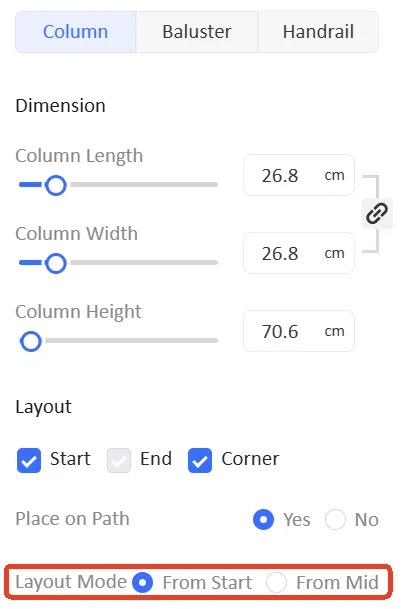
Layout Mode:"From Start" generates "Column" based on distance from the starting point of the path, and "From Mid" generates "Column" based on distance from both ends of the path.
Column Spacing:Spacing of "Column".
Snap to Mid:Selecting "Yes" generates a "Column" based on distance, which uses the midpoint of the path. Selecting "NO" aligns the midpoint of the distance with the midpoint of the path.
Baluster
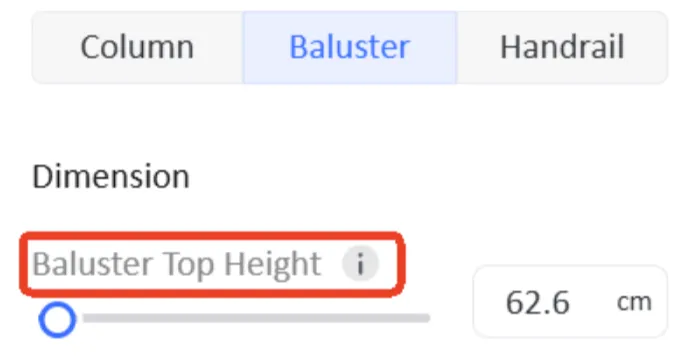
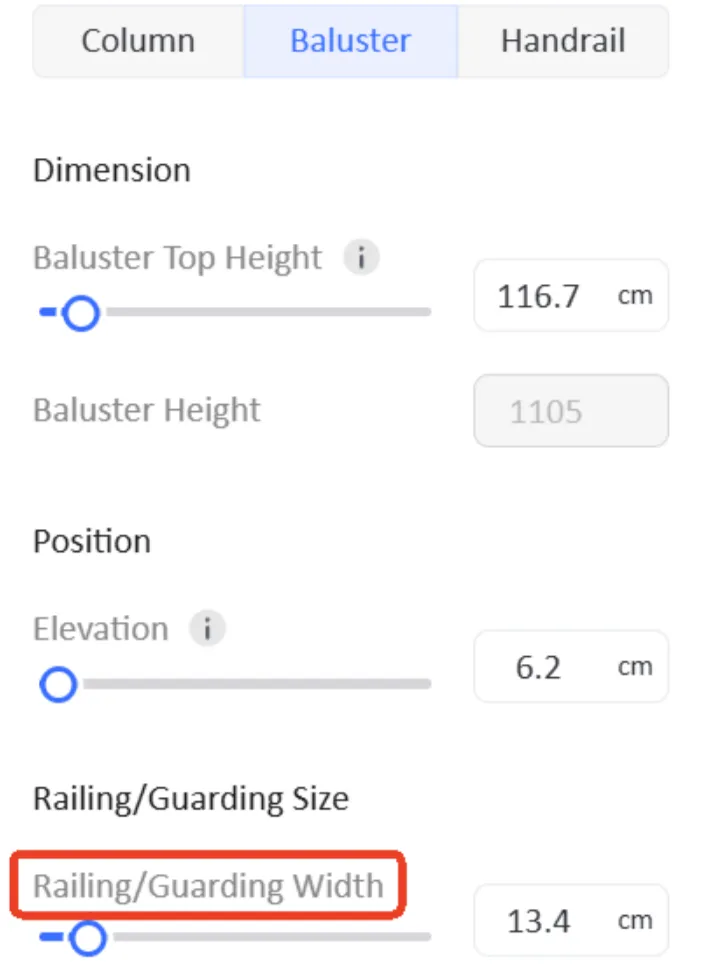
Baluster Top Height:The top of "Baluster" is at the height above the ground.
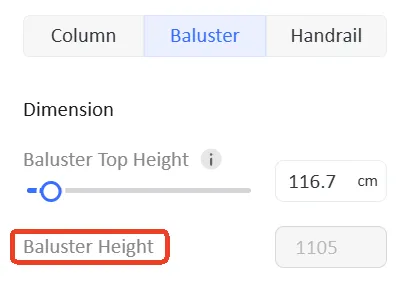
Baluster Height:The "Baluster" height value cannot be set; it is only displayed.
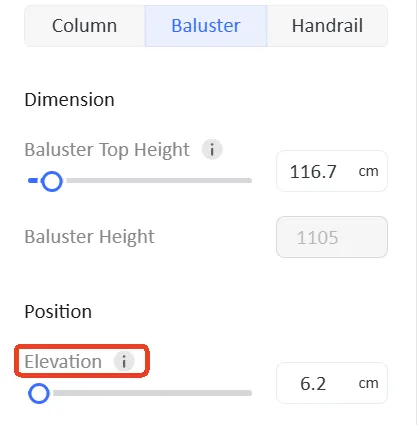
Elevation:The height of the bottom of "Baluster" from the ground.
Railing/Guarding Width:The width of "Baluster".
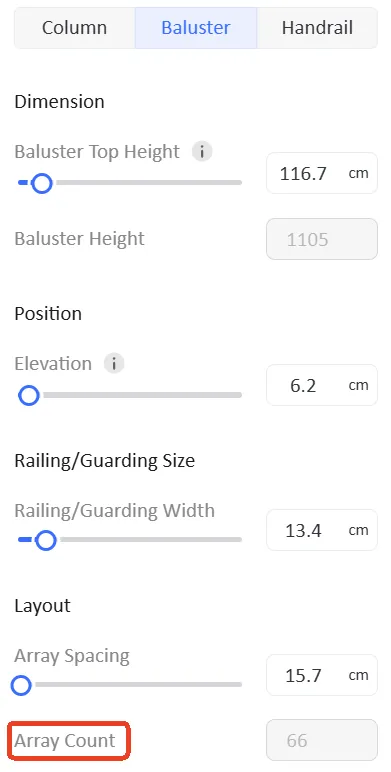
Array Spacing:The distance between "Balusters".

Array Count:The number of "Baluster" is displayed but cannot be set.
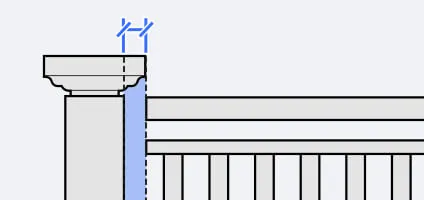
Colum Offset:The distance of "Baluster" adjacent to "Column" from "Column".
Handrail
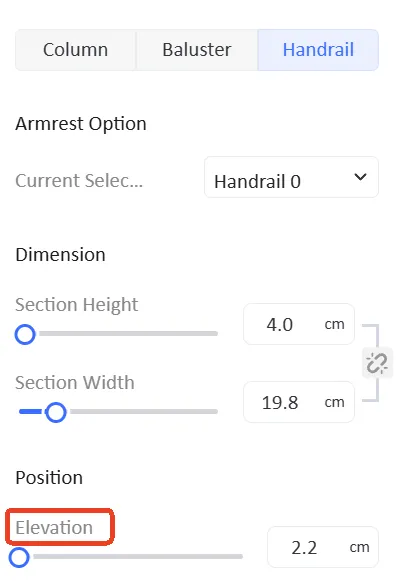
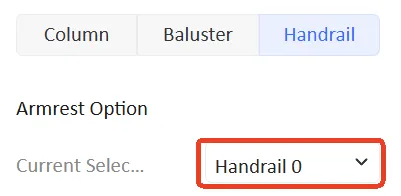
Current Select:When multiple "Handrail" options exist, you can switch to the one you want to set.
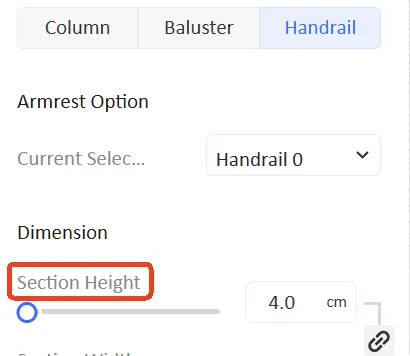
Section Height:The height of "Handrail".
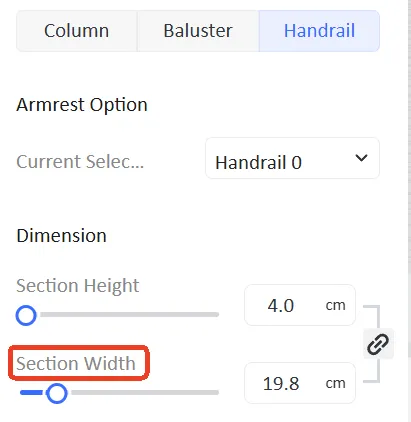
Section Width:The width of "Handrail".
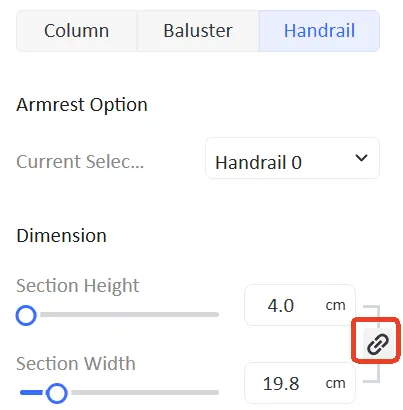
Lock symbol:When locked, the height and width of "Handrail" are related; changing the value of one will also change the value of the other.
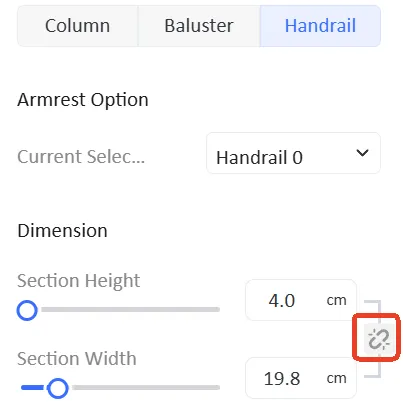
When the association is removed, adjusting the height and width of "Handrail" will no longer affect the association.
Elevation:It refers to the height of "Handrail" above the ground.