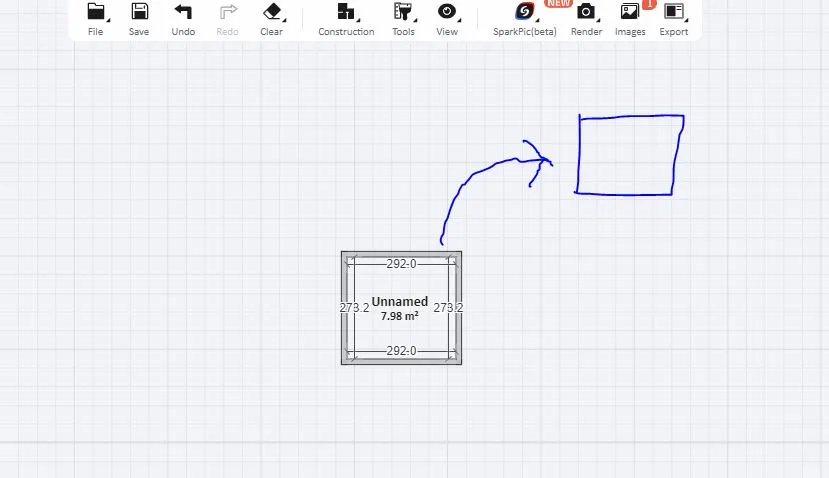
In most design programs, such as AutoCAD or SketchUp, you can move or copy a room by selecting it, using the move or copy command, and then placing it where you want it. Adapt as necessary.
Thanks for temporary solution.
Hopefully HS Team fix this basic issue
@ Grace Simmons
This is not a feature in HS.....yet! The simple fix is to just draw the room again with same measurements. In regards to the furniture: group as many pieces together as you can and just click on duplicate and move to the other room. Also when you group things together you can save them for use at another time. They will show up in the model combination tab under the uploads menu.
This is not a feature in HS.....yet! The simple fix is to just draw the room again with same measurements. In regards to the furniture: group as many pieces together as you can and just click on duplicate and move to the other room. Also when you group things together you can save them for use at another time. They will show up in the model combination tab under the uploads menu.
I'm using the same method (such as AutoCAD or SketchUp programs) but its not working
@ vividkreationsbng
In most design programs, such as AutoCAD or SketchUp, you can move or copy a room by selecting it, using the move or copy command, and then placing it where you want it. Adapt as necessary.
Respuesta
Complete la breve encuesta y ayúdenos a hacerlo mejor
Cuéntanos sobre ti y luego visita el centro de monedas para Reclamar 20 Monedas!