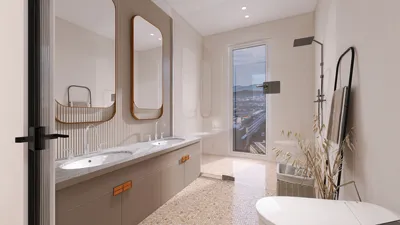
Transforming a floor plan into a vibrant 3D elevation can appear challenging at first; however, with the right strategy in place, this task becomes an exciting phase of the design journey. By concentrating on the fundamental components of your floor plan, you can produce impressive visualizations that add value to your project. Here’s a guide on smoothly transitioning from a 2D floor plan to a comprehensive 3D elevation using tools such as Homestyler.
Grasping Your Floor Plan
The initial phase in generating a 3D elevation is to gain a thorough understanding of your floor plan. Pinpoint essential attributes such as walls, doors, windows, and notable architectural features. Keep the following in mind:
Having a well-defined vision of your floor plan will lay a solid groundwork for creating your 3D elevation.
Selecting the Appropriate Tools
Numerous software options exist for crafting 3D elevations. Prominent software solutions comprise:
Pick a tool that aligns with your expertise and project objectives. Familiarity with your chosen software, like Homestyler, will facilitate the elevation creation process.
Constructing the 3D Model
After preparing your floor plan and selecting tools, you’re ready to build your 3D model:
This stage is crucial for envisioning the space in a three-dimensional framework.
Elevating Your Elevation
To enhance the realism of your 3D elevation, consider incorporating the following components:
These enhancements will add depth and context, making your elevation more captivating and informative.
Final Assessment and Refinements
Upon completing your 3D elevation, take a moment to step back and evaluate your creation. Identify any discrepancies or areas that may require refining. Adjusting these aspects at this point will guarantee a polished final output.
Conclusion
The journey of crafting a 3D elevation from a floor plan is immensely fulfilling as it allows you to manifest your design concepts. By adhering to these guidelines, you can effectively present your vision and assist clients in imagining their future environments.
Frequently Asked Questions
Q: Which software is ideal for creating 3D elevations? A: Options like SketchUp, AutoCAD, and Revit are popular, varying based on your proficiency and project needs.
Q: What are the best practices for achieving accuracy in my 3D elevation? A: Begin with a detailed floor plan and ensure precision in dimensions when constructing your 3D model.
Q: Is it possible to incorporate furniture into my 3D elevation? A: Absolutely, including furniture can greatly improve the presentation of the space.
Welcome to Utilize Free 3D Floor Planner










































