Creating breathtaking exterior renders in SketchUp using V-Ray necessitates the right render settings. Regardless of your experience level, grasping these settings is vital for achieving outstanding results. This article will delve into the key render configurations, effective lighting methods, and tips to elevate your exterior visual presentations, incorporating insights on using tools like Homestyler alongside V-Ray.
Grasping V-Ray Render Settings for Better Outputs
The V-Ray render settings interface may seem daunting initially, but breaking it down into manageable sections can make it much easier to navigate. Focus on these essential settings to streamline your workflow:
Effective Lighting Techniques for Exterior Renders
Lighting is integral to the visual appeal of your outdoor renders. Here are some powerful lighting techniques to consider:
Optimizing Your Renders for Superior Quality
For the best outcomes in rendering, keep these optimization tips in mind:
Common Questions Answered
Q: What resolution should I use for my exterior renders? A: For premium quality prints, a resolution of at least 300 DPI is advised, ideally around 3000x2000 pixels or greater.
Q: How can I decrease rendering times? A: Enhance your models by minimizing polygon counts, utilizing proxies, and fine-tuning your quality settings.
Q: Are there free resources available for V-Ray settings? A: Absolutely, there are many online communities and websites where individuals share their V-Ray settings and visopt files.
Discover the Power of Homestyler for Home Design























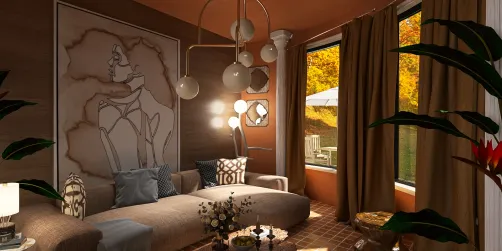

![Design [4]](https://hs-designs.homestyler.com/production/design/images/07c2de3a-88ec-4be8-8910-ff255b795bc2/1731419398293/7841697.jpg?x-oss-process=image/resize,w_502,m_mfit/format,webp)