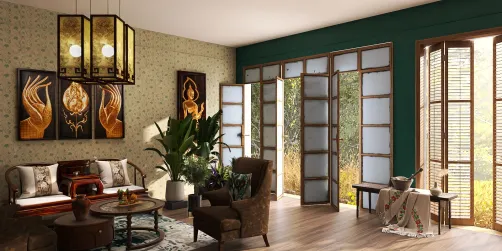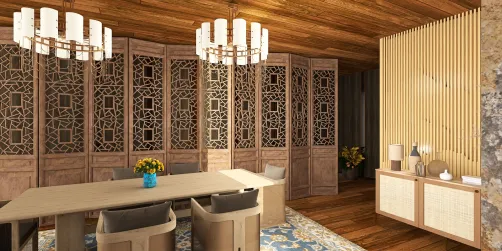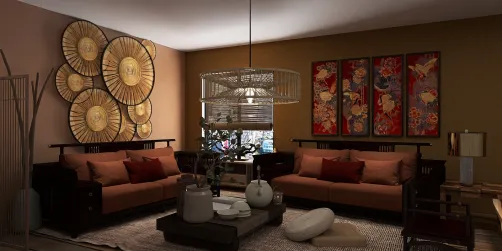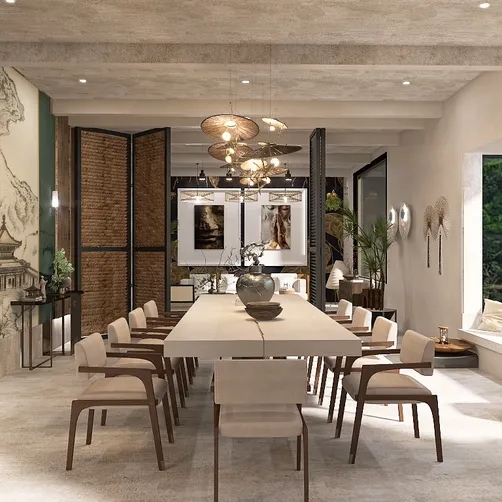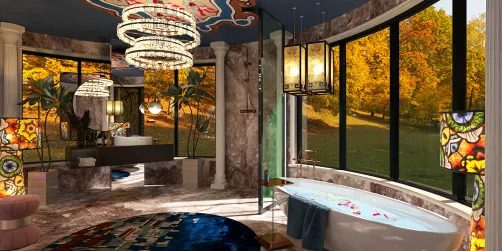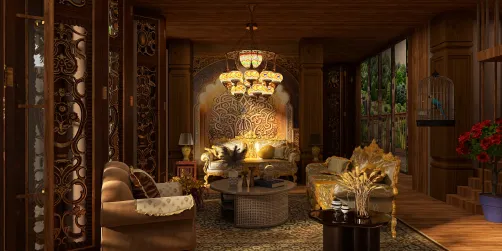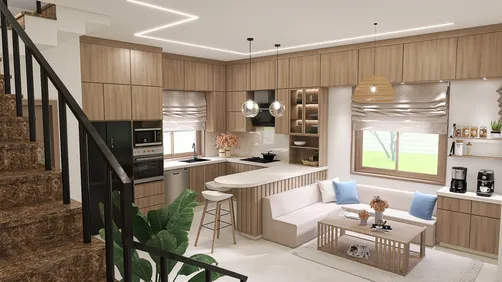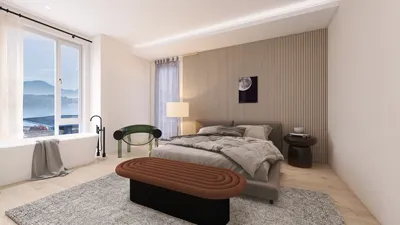
Dreaming of redesigning your living space without overspending on pricey software? If you are in search of excellent free solutions, Autodesk offers a range of tools that help you visualize your home ideas and effectively utilize your space. This article explores various free home design software from Autodesk, highlighting features that cater to both beginners and experienced designers.
1. Autodesk SketchBook
Autodesk SketchBook is a multi-functional drawing application perfect for artists and designers. Although it isn't solely focused on home design, its remarkable sketching features can assist you in visualizing your renovation concepts. With an intuitive interface and a diverse range of brushes, you can create intricate sketches of your interiors.
2. AutoCAD Web App
The AutoCAD Web App offers a streamlined version of the robust AutoCAD software, enabling users to draft and modify designs from any location. It's an ideal choice for smaller projects, harnessing its 2D drafting capabilities without the need for the complete desktop edition.
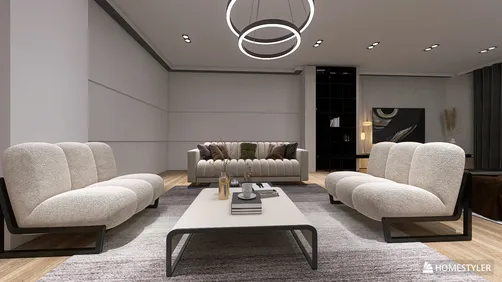
3. Homestyler
Homestyler is an accessible online platform uniquely designed for home design enthusiasts. With this tool, you can develop floor plans and visualize your design concepts in 3D, making it simpler to organize your small spaces effectively.
4. Revit Student Version
For students and educators, the student version of Revit is available at no cost. This professional software is fantastic for crafting detailed architectural designs, helping elevate your home design projects to new heights.
5. Fusion 360 for Personal Use
While Fusion 360 is mainly targeted at product design and engineering, it also stands as a valuable tool for creating custom home decor or furniture designs. The free version is accessible for personal use, making it a beneficial addition to your design arsenal.
Conclusion
With Autodesk's free tools for home design, you can realize your creative aspirations without any financial burden. Whether you are drafting basic layouts or constructing detailed 3D visuals, there's a perfect tool to suit your requirements. Are you ready to transform your home? Begin exploring these Autodesk platforms today!
FAQ
Q: Can I employ Autodesk software for commercial projects?
A: In general, the free versions are designed for personal usage, and commercial applications may necessitate a paid subscription.
Q: Are there any tutorials for these software options?
A: Indeed, Autodesk provides extensive tutorials and resources for each of its software products on their official website.
Welcome to the Premier Home Design Software!