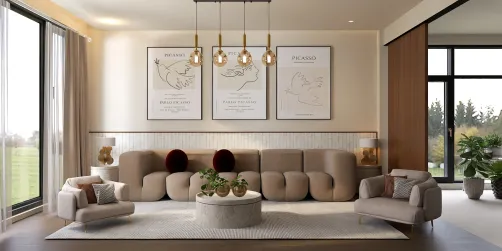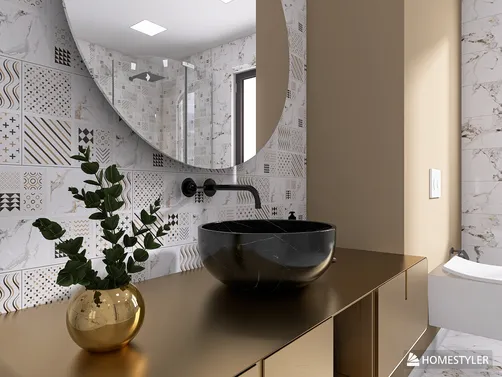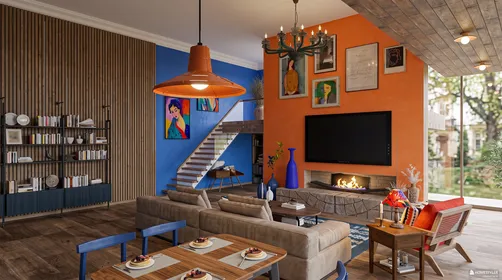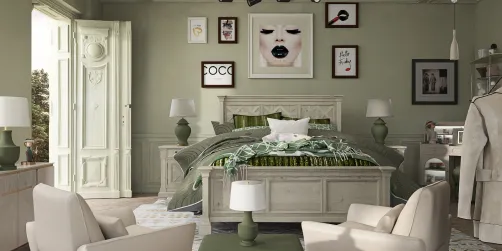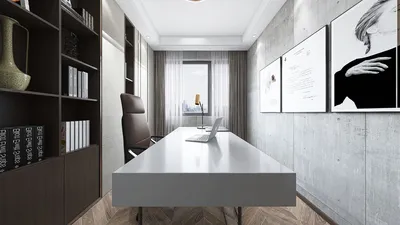


In today's lifestyle, embracing influences from icons like Sarah Paulson often inspires a refined approach to interior aesthetics. Her distinctive style, characterized by a blend of classic and modern elements, can motivate homeowners to curate spaces that reflect personality through carefully selected furniture. Incorporating elegant materials and thoughtful design not only elevates comfort but also creates a living environment that echoes the dynamic grace found in contemporary fashion.
Designing your home without the hassle of creating an account is an appealing way to start—no email, password, or onboard tutorial needed. You simply open a tool and begin arranging walls and furniture. However, many platforms that promote "no registration needed" encounter limitations: you may sketch your layout, but saving, exporting, or accessing an extensive furniture catalog is often locked behind sign-up walls.
This article explores which home design tools truly allow you to create without registering, what features the free no-account tiers offer, and when it might be better to switch to a free registered floor planner that lifts those constraints without any payment required.
What You Can Expect Without Signing Up
Realistic expectations for "no registration" functionality across popular platforms are as follows:
Generally, most design applications let you draft layouts without registering, but very few permit saving or exporting without an account. Exceptions exist, including Sweet Home 3D, which saves data locally, and Homestyler, which offers an auto-save feature for guest users during sessions.
If saving and exporting without signing up is essential, Homestyler’s comprehensive online floor planner stands out as a solution that supports drafting, furnishing, and exporting seamlessly.
Reliable Tools That Don’t Require Registration
Homestyler provides a truly hassle-free experience without the need for registration. Guest sessions are automatically saved to the cloud within the browser tab. Users can draw floor plans, furnish rooms, switch between 2D and 3D views, and export output files like PDFs or PNGs—all without completing a registration form. Its integrated room designer handles everything smoothly, from wall placement to furniture arrangement.
Features available without registering:
Limitations without registration:
An important caveat: while Homestyler auto-saves the session, closing the browser tab or returning the next day requires an account to continue editing the same project. For one-off uses such as conceptualizing layouts or checking furniture fit, registration isn’t necessary.
Ideal users: Homeowners, renters experimenting with new layouts, or designers seeking quick initial concepts without sign-up.
Roomstyler starts instantly with a blank canvas and no registration prompts, letting you begin sketching immediately. However, without an account, saving or exporting your design isn’t possible.
Available without signing up:
Drawbacks:
Best case use: Quick layout sketches intended only for temporary use or sharing screenshots.
Sweet Home 3D is an open-source option that operates entirely without sign-in, working in-browser or on desktop. Projects save as files on your own device, keeping your work persistent without relying on the cloud.
Benefits without registration:
Tradeoffs:
Recommended for users who prefer offline design tools or wish to avoid cloud storage, such as architects familiar with classic user interfaces.
Planner 5D boasts a polished 3D visualization and an intuitive drag-and-drop UI but requires users to register to save projects.
What no-registration users get:
What is lost without signing up:
Suitable for users willing to register quickly to access attractive 3D designs with little learning curve.
When Registration Becomes Worthwhile
The desire to avoid registration is understandable at a project's inception, when testing ideas swiftly is the priority. Once a layout is validated, transitioning to an account-based tool makes more sense.
Consider creating an account when:
Signing up on these platforms often takes less than a minute, and it saves you time in the long run by preventing the need to redo layouts that can’t be saved anonymously.
A practical workflow is to begin in a no-registration mode for initial concepts, then move to a registered account to benefit from cloud saving, exporting capabilities, and version tracking.
Key Features That Define a Truly Useful Home Design Platform
Beyond just registration, there are crucial features that transform a tool from simply starting ideas to helping you complete your project:
Accurate furniture sizing matters. Generic furniture blocks don’t reveal if your sofa physically fits. Homestyler’s extensive library, featuring over 8 million items directly from manufacturers with real dimensions, lets you verify if specific pieces like an IKEA sofa will fit in your room.
Integrated 2D and 3D workflow allows fluid switching between detailed layouts and immersive perspectives, helping inform design decisions without friction.
AI-driven layout suggestions speed up the furnishing process by proposing arrangements based on your room type and style preferences— Homestyler includes such AI auto-layout features even on its free tier.
Export capability that genuinely works, allowing you to generate PDFs or images suitable for sharing or printing.
While it’s true many tools let you draw floor plans without registering, most restrict saving, exporting, or accessing full furniture catalogs behind sign-up walls.
Homestyler excels by enabling guest users to create floor plans with auto-save during sessions and export outputs such as PNGs or PDFs, all without mandatory registration.
In contrast, many platforms discard your work once you close the browser tab unless you either save locally or create an account.
Sweet Home 3D allows saving files locally without requiring sign-up, making it unique in the offline category.
Registering unlocks cloud storage, access to advanced functionality like higher-resolution exports, and bigger furniture selections—benefits that seriously enhance the design experience.
What began as an Autodesk innovation has evolved into a design platform used by more than 20+ million registered users (platform data, 2026) around the globe. Homestyler combines powerful rendering, an intuitive editor, and a vast furniture library to help you turn inspiration into photorealistic designs — whether you're redesigning a single room or planning an entire home.

Modern Black Metal Glass Curved Window 3D Model

Solid Wood Octagonal Wall Mirror Decor 3D Model

Modern Black Frame Glass Corner Window 3D Model
Homestyler offers an easy-to-use online design tool with stunning 3D renderings, inspiring interior projects, and helpful DIY video tutorials. It’s perfect for anyone looking to create and visualize beautiful home designs effortlessly.
Diseño ahora GRATIS











![Design [4]](https://hs-designs.homestyler.com/production/design/images/07c2de3a-88ec-4be8-8910-ff255b795bc2/1731419398293/7841697.jpg?x-oss-process=image/resize,w_502,m_mfit/format,webp)