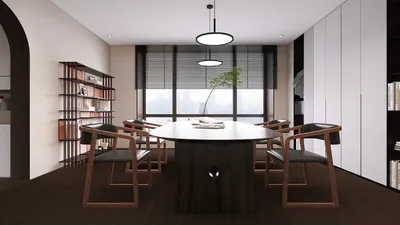
When designing compact spaces, having quality tools at your disposal is crucial. Utilizing 3D floor plan software can transform your design experience, enabling you to visualize concepts while effectively maximizing your available space. In this article, we delve into some of the top options for 3D floor planning software, focusing on their features, ease of use, and how they can aid in crafting both functional and visually appealing environments, including how a resource like Homestyler can fit into your design toolkit.
Why Choose 3D Floor Plan Software?
3D floor plan software is vital for interior designers, particularly when tackling limited spaces. Here are several reasons to consider these tools:
Best 3D Floor Plan Software
SketchUp stands out as a favored tool among designers due to its intuitive interface and flexibility. It enables users to create intricate 3D models while offering an extensive library of plugins to augment design capabilities.
Homestyler is an excellent choice for novice users as well. This free software allows you to draft your home's layout and visualize it in 3D, making it ideal for small space design projects.
RoomSketcher is another compelling tool that provides both free and paid versions with advanced functionalities. Its intuitive design makes it suitable for generating detailed floor plans and visualizations.
Advice for Maximizing Your 3D Floor Plan Software
To fully leverage your 3D floor plan software, keep these tips in mind:
Frequently Asked Questions
Q: What features should I prioritize when selecting 3D floor plan software? A: Essential features include a user-friendly interface, realistic rendering capabilities, and a comprehensive library of furniture options to elevate your design process.
Q: Are there free options for 3D floor plan software? A: Absolutely, there are numerous free choices available, such as Sweet Home 3D and SketchUp, which can meet various design needs.
Explore Free 3D Floor Planner Resources










































