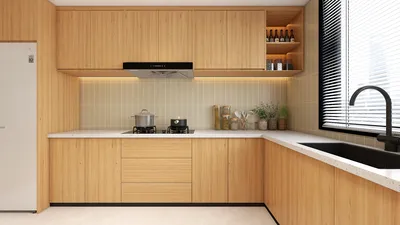


The art of posing 3D models is a crucial skill that creates stunning visual effects and plays a significant role in design. Whether for character animation or product showcases, the right pose can bring your models to life. In this article, we will explore creative techniques and methods for effectively positioning 3D models.
Understanding the Basics of 3D Model Posing
When you take on the task of positioning 3D models for the first time, grasping the anatomical structure and proportions of the model is essential. Familiarity with the character's intended actions or emotions is key to conveying the right message through posture. Additionally, pay attention to balance and center of gravity, as these factors significantly affect the realism of the pose.
Start by experimenting with simple poses before gradually transitioning to more complex actions. Remember, beginning from a neutral position allows you to make adjustments and refinements progressively. What pose do you prefer to start with? Feel free to share in the comments!
Utilizing Software Tools for Efficient Posing
Employing tools like Homestyler or Blender can streamline your modeling and posing process. These platforms often come with features that simplify the adjustment of limbs and expressions. By using sliders and fixed points, you can create various poses and ensure you achieve the perfect angle.
Additionally, consider employing reference techniques—search for posing references online or study human anatomy to enhance realism. How significantly do you believe reference images impact the final pose of a model?
Enhancing Poses with Details
Once you've established a solid foundational pose, it's time to add subtle details. These include gestures, facial expressions, and the positioning of clothing. Such enhancements can dramatically improve the overall appeal of the pose, making it more engaging. Try utilizing different facial expressions to narrate a story—what narrative does your model portray? Let's discuss ideas!
FAQ
Q: What is the best way to pose 3D character models? A: The best approach is to first understand the character's personality and emotions, starting from a neutral position, and then gradually adjust to achieve realistic movements and details.
Q: What tools can I use for 3D modeling and posing? A: You can effectively create and pose 3D models using software such as Homestyler, Blender, or Maya.
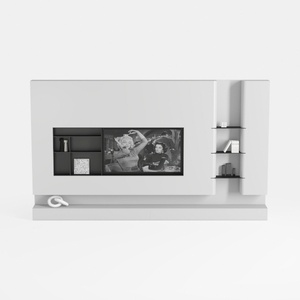
Black/White Wall Cabinet Suitable for Kitchens and

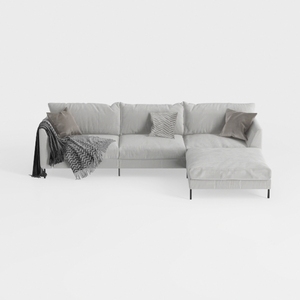
Minimalist Light Gray Fabric L Shape Sectional Sofa 3D Model
Discover your creative potential with Homestyler! This user-friendly online home design platform offers an intuitive design tool, stunning 3D renderings, and inspiring DIY video tutorials. Whether you're a beginner or an experienced designer, Homestyler makes it easy to visualize and execute your dream spaces.
Diseño ahora GRATIS
































