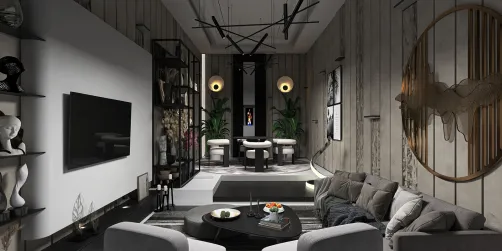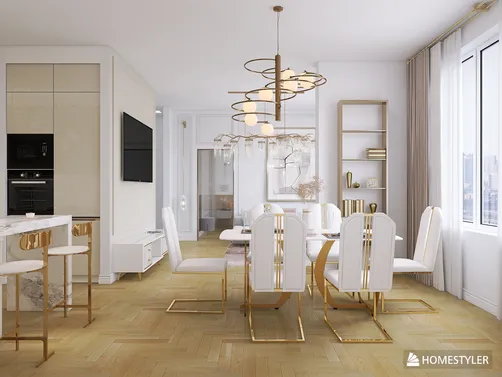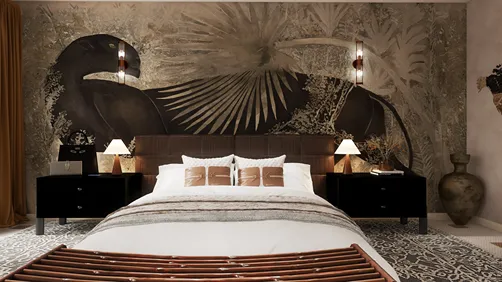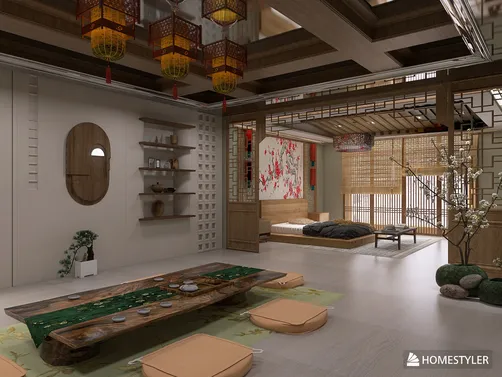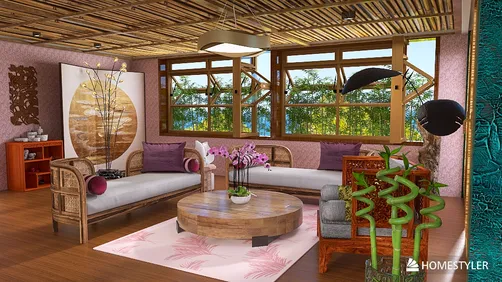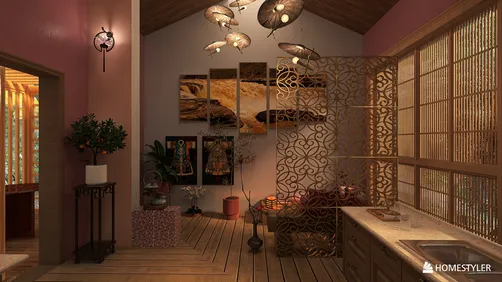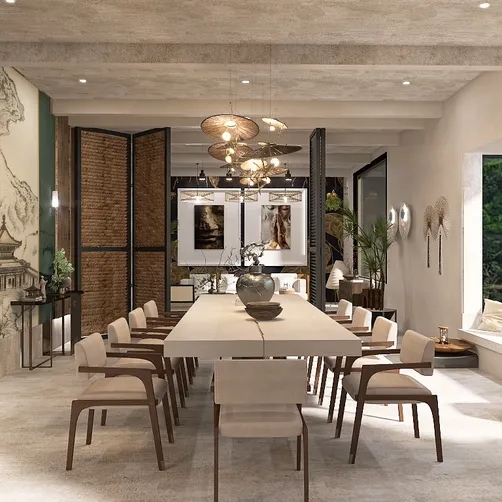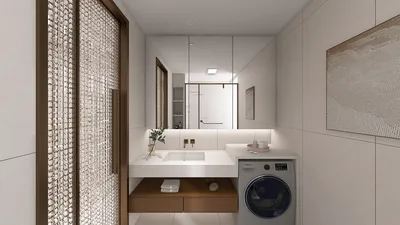
Creating stunning interior renderings with Vray 2.0 heavily relies on the right render configurations. Whether you are just starting out or you possess advanced skills, mastering the optimization of these settings is vital to achieving spectacular outcomes. This guide will outline key tips and configurations to elevate your interior renders, incorporating Homestyler tools effectively to enrich your design process.
Exploring Vray Render Configurations
The configurations for Vray rendering can be categorized into several segments such as image settings, quality parameters, and lighting criteria. Each of these segments significantly contributes to the overall outcome of your rendering.
Fundamental Image Configurations
Begin by fine-tuning the key image configurations which include the following adjustments:
Quality Adjustments for Interior Renders
Quality parameters greatly impact the clarity and realism of your final render. Consider implementing the following essential adjustments:
Lighting Configurations
To achieve realistic interior renders, appropriate lighting is paramount. Explore these configurations:
Tips for Post-Processing
Enhancing your render during post-processing is crucial. Tweak parameters such as exposure, contrast, and color grading for a refined final image—using tools like Homestyler can assist in this phase.
Final Thoughts
By comprehending and applying these Vray 2.0 settings tailored for interior rendering, you can dramatically upgrade the quality and realism of your projects. Don’t hesitate to experiment with various configurations to discover the ideal setup for your specific needs, leveraging the capabilities of Homestyler as part of your workflow.
Common Inquiries
Q: What are the optimal render settings for Vray 2.0? A: Optimal settings depend on your specific project. Generally, utilizing Adaptive DMC for image sampling and Irradiance Map for global illumination tends to yield excellent results for interiors.
Q: How can I enhance render speed while maintaining quality? A: You can increase render speed by reducing the Max subdivisions in the image sampler and fine-tuning light parameters.
Q: Is post-processing important for interior renders? A: While it's not mandatory, post-processing can significantly improve your renders, adding professional depth and polish to the final output.
Welcome to the leading Home Design Software.