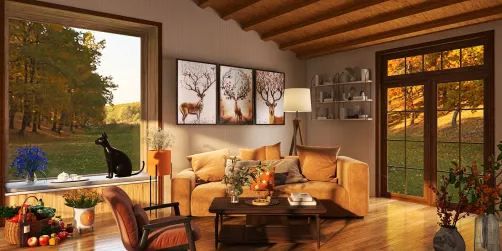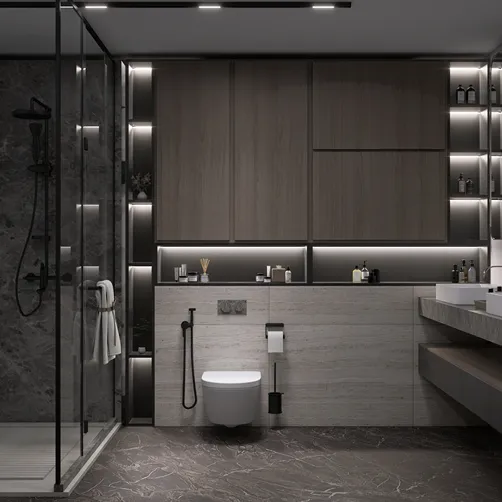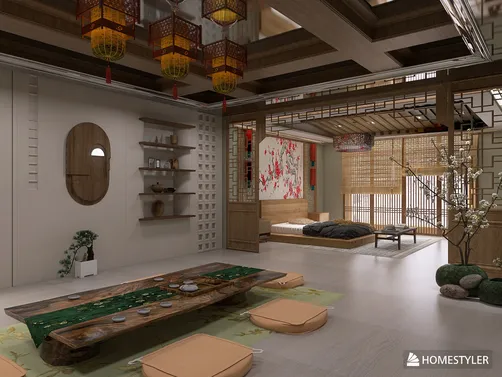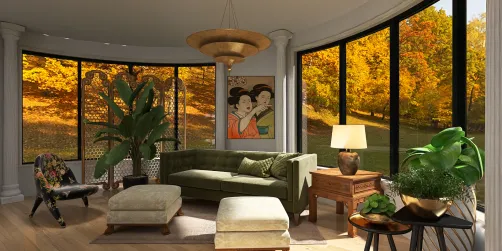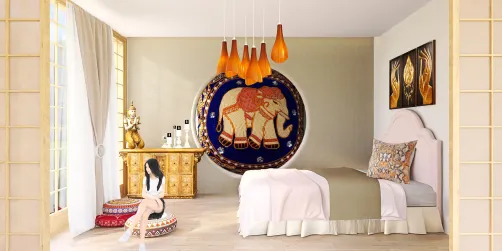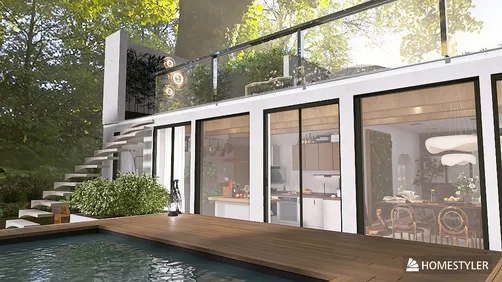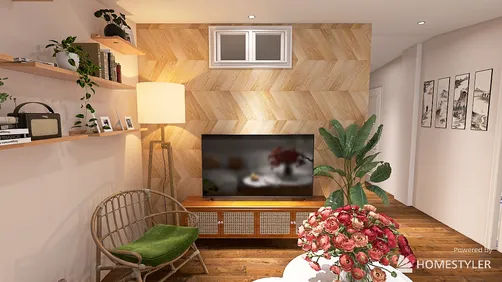
Incorporating 3D furniture into your floor layout with Homestyler can significantly enhance your design capabilities, offering a more lifelike depiction of your environment. Whether you are an interior designer, architect, or a DIY aficionado, mastering the use of 3D models is essential for optimizing your compact spaces without sacrificing style.
Getting Started with Homestyler
Before embarking on your journey of integrating 3D furniture, ensure you have the latest version of Homestyler at your disposal. Familiarize yourself with its interface, tools, and fundamental functions. Numerous online tutorials are available to help speed up your learning process.
Finding 3D Furniture Models
You can access a wide array of sources for downloading 3D furniture models. Websites like the 3D Warehouse, TurboSquid, and specific furniture brand pages provide various options. When choosing models, ensure their compatibility with Homestyler and that they align with the aesthetic vision you have in mind.
Importing 3D Models into Homestyler
Once you’ve gathered your selected models, importing them into Homestyler is a simple process. Navigate to the import option, choose your downloaded file, and position it within your workspace. Adjust the scale if necessary to ensure accurate fitting with your layout dimensions.
Arranging Your 3D Furniture
After importing, it's time to organize the furniture within your layout. Utilize the move and rotate functions to position your models effectively. Be mindful of flow and accessibility, particularly in tighter areas where every square inch matters.
Enhancing Your Design with Textures and Colors
To elevate your design, apply textures and colors to your 3D models. This step aids in visualizing how different materials will appear in your space. Use the Paint Bucket tool in Homestyler to try out various finishes and shades.
Creating a Realistic Environment
Incorporating elements like lighting fixtures, plants, and decorative pieces will enhance the authenticity of your design. Keep the overall theme and functionality of the space in mind as you add these details.
Finalizing Your Floor Plan
Once you're happy with the arrangement and aesthetics, review your floor plan for any necessary adjustments. Ensure all elements coexist harmoniously. Homestyler also allows you to create scenes, offering different views of your design.
FAQ
Q: Can I find free 3D furniture models for Homestyler? A: Indeed, 3D Warehouse provides an extensive range of free models suitable for your designs.
Q: How do I scale my imported furniture models in Homestyler? A: Use the Scale feature to modify the sizes of your models, ensuring accurate fit within your floor plan.
Q: Is Homestyler beginner-friendly? A: Absolutely, Homestyler boasts a user-friendly interface, and there is an abundance of tutorials tailored for newcomers.
Welcome to Use Free 3D Floor Planner


















![[For dear Adelina madee 🤎]](https://hs-designs.homestyler.com/production/design/images/8a07e535-9cbc-4132-a42a-5932dac3a112/1706972286037.jpg?x-oss-process=image/resize,w_502,m_mfit/format,webp)