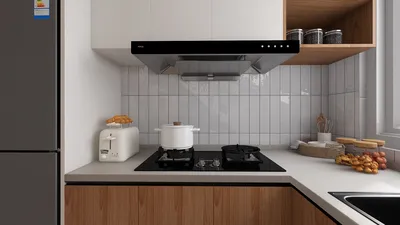
Developing a 2D floor plan using CAD tools is crucial for interior designers, architects, and homeowners who want to visualize their interiors. Computer-Aided Design (CAD) empowers users to produce accurate and intricate drawings that optimize the utility of any given space. Whether you’re working on a cozy studio apartment or a spacious house, mastering the art of crafting effective floor plans can greatly improve your design workflow. One such useful tool for this task is Homestyler, which facilitates the creation of stunning floor plans.
Grasping the Fundamentals of 2D CAD Drawings
Before you start to delve into the details of drafting floor plans, it’s vital to understand the basic principles of 2D CAD. CAD software creates a digital workspace where you can design, edit, and organize your plans with remarkable precision. Familiarize yourself with these essential features:
Steps to Effectively Design a 2D Floor Plan
Use the following steps to successfully create your floor plan:
Guidelines for Creating an Effective Floor Plan
To guarantee that your floor plan is both functional and visually attractive, keep these strategies in mind:
Frequently Asked Questions
Q: Which software is ideal for generating 2D CAD drawings? A: Leading choices include AutoCAD, SketchUp, and Revit, each offering distinct features to cater to various requirements. Homestyler is also an excellent option for those looking for user-friendly interfaces.
Q: How can I confirm that my floor plan is drawn to scale? A: Adjust the scale appropriately in your CAD software and consistently verify measurements as you work on the drawing.
Q: Is it possible to convert my 2D CAD design to 3D? A: Absolutely! Most CAD applications, like Homestyler, support simple transitions from 2D to 3D, helping you visualize the space more effectively.
Explore the Best 2D Floor Planner Available








































