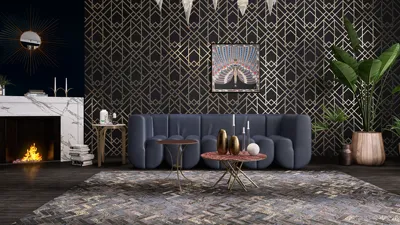


Downloading 3D models from Sketchfab can greatly enhance your design endeavors by providing a plethora of top-quality assets suitable for various applications, including interior design, gaming, and personal art projects. Knowing the most effective approaches to access these models is crucial for fully leveraging their potential in your creative work.
This all-encompassing guide will lead you through the numerous methods for downloading 3D models from Sketchfab, encompassing both complimentary and premium choices. By the conclusion of this article, you will be well-equipped to navigate this essential resource and utilize it to your advantage.
Exploring Download Options for Sketchfab Models
Sketchfab presents a vast library of 3D models, offering a mix of free assets and those that require payment. It is essential to identify which models are available for download. Models labeled as free will stand out, while others may come with a cost for access.
In addition, users can retrieve models in various formats, such as OBJ, FBX, or STL, depending on the settings established by the creator. Always ensure you review the model's license agreement to comply with usage rights.
Steps for Downloading Free 3D Models from Sketchfab
Here’s a straightforward process to download free 3D models from Sketchfab:
1. Navigate to the Sketchfab website and use the search feature to find the model you’re looking for. Be sure to apply the “Free” filter within the pricing options to narrow down your search results.
2. Click on the model you’re interested in to reach its detail page. Look for the download button, usually located on the right side of the model viewer.
3. If downloads are permitted by the creator, click the download button, select your desired file format, and initiate the download of the 3D model.
Steps for Downloading Premium 3D Models from Sketchfab
The procedure for downloading premium models includes a few additional steps:
1. Search for the model of interest, noting its pricing information. You will need to purchase the model if it is not marked as free.
2. Once you have purchased the model, go to your account library, where all the models you have acquired are stored.
3. Select the model you want to download and click the download button. Then, choose your preferred file format to complete the download.
Helpful Tips for Downloading Models from Sketchfab
To improve your experience when downloading models, keep these tips in mind:
- Always check the permissions for downloading before you begin; this can save you time and ensure you're adhering to guidelines.
- Opt for file formats that are compatible with your design software to avoid any possible compatibility complications during use.
- Be aware that certain models might require specific software plugins for optimal performance and usability.
Frequently Asked Questions
Q: Is it possible to download all Sketchfab models? A: No, only models that are labeled as downloadable are accessible. Always double-check the model details for permission information.
Q: Are there fees associated with downloading models? A: While many models are available for free, others will require a one-time purchase.
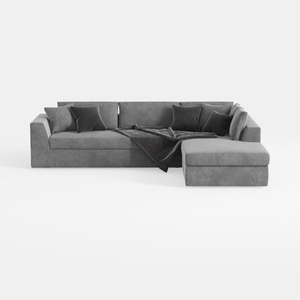
Minimalist Gray Fabric Sectional Sofa with Throw Pillows and Blanket 3D Model


Minimalist Fabric Curved Sofa With Throw Pillow 3D Model

Modern Rattan Fabric Upholstered Loveseat Sofa 3D Model
Discover the creative world of Homestyler, your go-to online home design platform. With its user-friendly design tool, stunning 3D renderings, a wealth of inspiring design projects, and handy video tutorials, transforming your living space has never been easier or more enjoyable!
Diseño ahora GRATIS
































