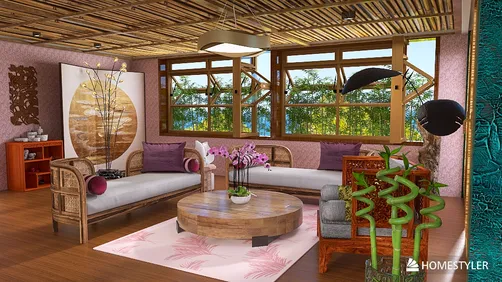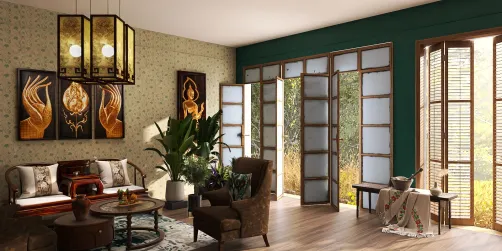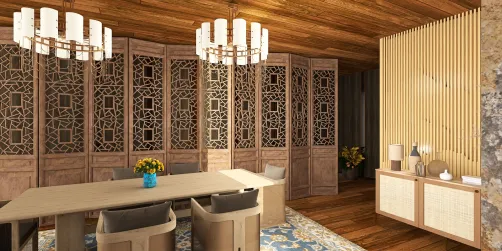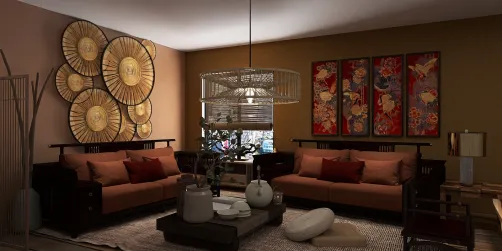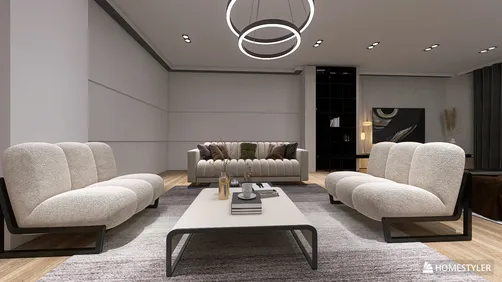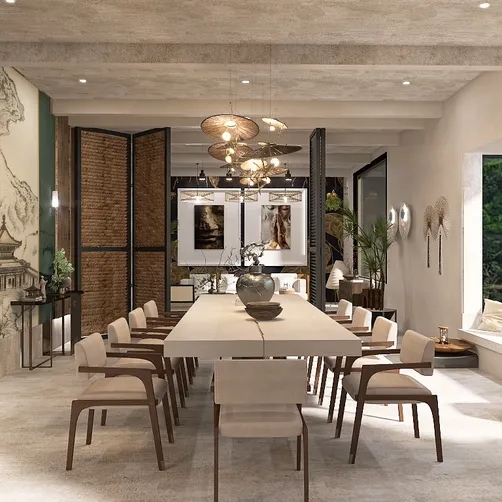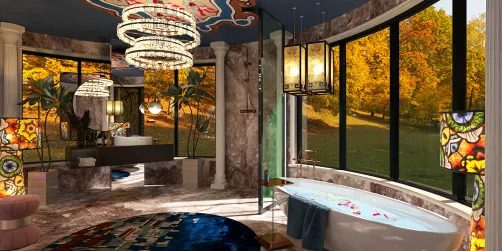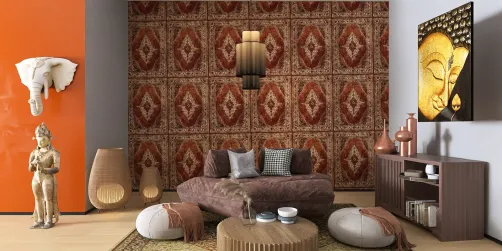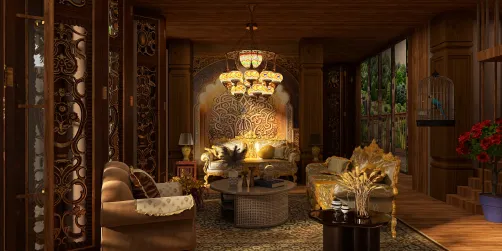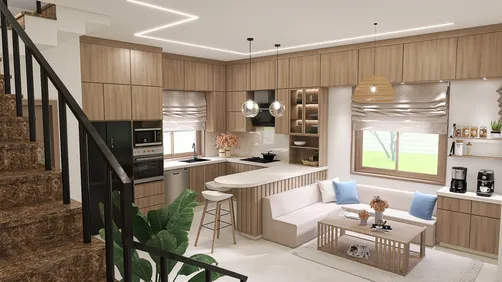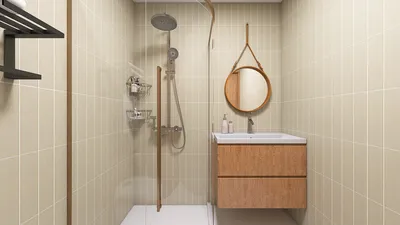
Crafting a high-quality interior view rendering can significantly enhance your design projects, providing a clear and stylish presentation of your vision. In my experience as an interior designer, delivering realistic visuals of potential spaces to clients greatly improves the communication of design concepts. In this article, we will delve into engaging techniques that will elevate your interior view renderings, ensuring they authentically reflect your design intentions while utilizing tools like Homestyler for optimization.
Exploring the World of Interior View Rendering
Interior view rendering is the process of producing intricate, three-dimensional visuals of indoor environments. This innovative approach enables designers to understand the interaction of various design elements, from furniture arrangement to color palettes. The primary objective is to create a faithful representation of the final look, allowing clients to immerse themselves in the envisioned space prior to its actual construction.
Techniques to Elevate Your Interior Renderings
For stunning interior view renderings, consider applying these effective techniques:
Utilizing high-resolution textures can greatly enhance realism in your renders. Make sure materials like wood, textiles, and metals are depicted with precise finishes and intricate details.
The impact of natural light on how a space is perceived is significant. Implement realistic lighting configurations to illustrate how daylight interacts with your design elements at various times of the day.
Presenting your interior from multiple viewpoints allows for a well-rounded perspective of the space. Experiment with different angles to uncover the most flattering views.
Incorporating personal touches, such as art pieces or decorative items, can add a homey feel to your render, making it more inviting and relatable.
Frequent Pitfalls to Avoid
When developing interior view renderings, be mindful of common missteps:
An overly cluttered render can distract viewers. Concentrate on crucial elements that showcase your design without creating visual chaos.
Ensuring all objects are proportionate is crucial. This detail is vital for preserving the authenticity of the design and aiding clients in envisioning the space accurately.
Attention to shadows is important as they add dimension and realism to your renderings. Watch how various light sources cast shadows across different surfaces for more depth.
Frequently Asked Questions
Q: What software is recommended for interior view rendering? A: Some popular options are SketchUp, 3ds Max, and Lumion, but also consider Homestyler, which offers unique features to enhance your rendering abilities.
Q: How long does it typically take to produce an interior render? A: The time required varies based on design complexity and your skill level. Simpler renders may take only a few hours, while more detailed ones could take several days.
Q: Are interior view renders suitable for marketing? A: Definitely! Professionally crafted renders can serve as influential marketing tools, effectively showcasing your design expertise and drawing in potential clients.
Discover the Power of No.1 Home Design Software