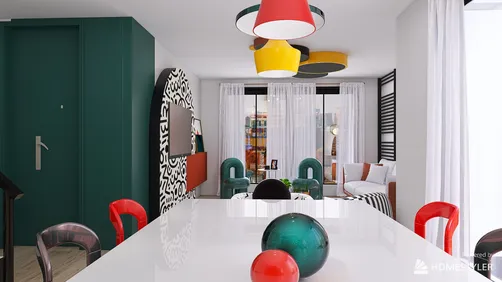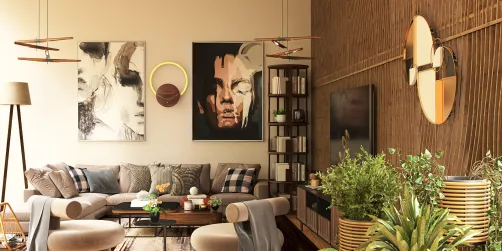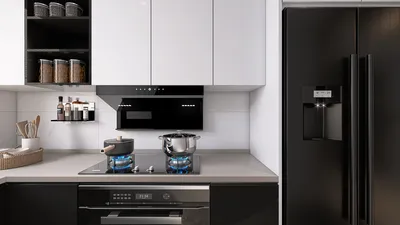
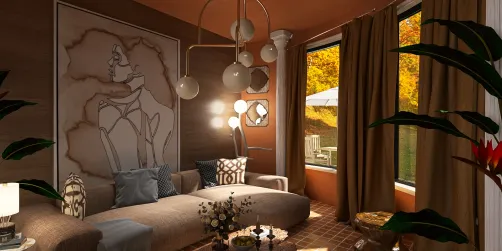
Photorealistic rendering is the technique of generating a digital image that closely resembles a photograph. Achieving this level of realism requires a blend of technical expertise, creative insight, and the appropriate software tools. In this piece, we will delve into how to produce photorealistic renders using Homestyler, a sophisticated interior design application that provides various functionalities to help you attain breathtaking results.
Tips 1: Lighting
Lighting plays a vital role in crafting a photorealistic render. Homestyler features an array of lighting choices, encompassing natural light, artificial sources, and ambient illumination. It's essential to experiment with different lighting arrangements to achieve your desired effect. Additionally, be mindful of shadows and reflections, as they greatly enhance the overall quality of the final image.
Tips 2: Materials and Textures
The selection of materials and textures can significantly influence the realism of your render. Homestyler boasts an extensive library filled with materials like wood, metal, fabric, and more. You also have the option to import custom textures to create a distinctive appearance. Pay close attention to details such as bump maps, glossiness, and reflections to ensure your materials convey a lifelike quality.
Tips 3: Camera Settings
Your choice of camera settings can alter the final image dramatically. Homestyler provides a variety of camera features, including focal length adjustments, depth of field control, and aperture settings. Try out different configurations to see what works best for your vision. Furthermore, consider your camera angles and overall composition to produce a visually striking image.
Tips 4: Post-Processing
Post-processing is the concluding phase of creating a photorealistic render. Homestyler offers various post-processing tools, including options for color correction, contrast tweaking, and image filters. It’s advisable to explore these features to refine the final image. Keep in mind that subtlety is key; overdoing it can lead to an artificial appearance.
Conclusion
Achieving photorealistic renders necessitates a harmonious balance of technical skill and artistic imagination. With the advanced capabilities of Homestyler, you can create impressive visuals that nearly mimic actual photographs. By experimenting with varying lighting scenarios, material selections, camera settings, and post-processing techniques, you will realize your design aspirations. With continued practice, you'll master the art of producing photorealistic renders that can captivate both clients and colleagues alike.
Are you ready to craft breathtaking photorealistic renders? Explore Homestyler today!
























![Design [4]](https://hs-designs.homestyler.com/production/design/images/07c2de3a-88ec-4be8-8910-ff255b795bc2/1731419398293/7841697.jpg?x-oss-process=image/resize,w_502,m_mfit/format,webp)