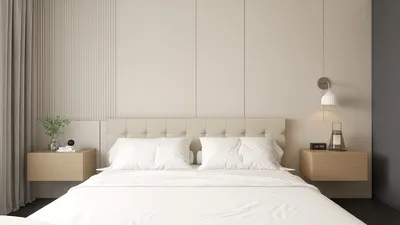
Developing a 3D virtual tour for compact areas provides an innovative approach to visualize design ideas and optimize space use. By utilizing rendering technologies, you can showcase your interior designs, allowing clients to experience their prospective homes before any physical alterations occur. This strategy not only boosts client involvement but also assists in making knowledgeable design choices. Here’s how you can embark on creating your own 3D virtual tours using Homestyler.
Exploring 3D Rendering Techniques
3D rendering refers to the technique of generating a two-dimensional image from a three-dimensional model. This method is crucial for delivering lifelike depictions of interior environments. Here are some important elements to keep in mind:
Advantages of 3D Virtual Tours
Incorporating 3D virtual tours into your design process provides numerous benefits:
Procedure for Crafting a Virtual Tour
Follow these guidelines to create an appealing virtual tour tailored for your small space:
Frequently Asked Questions
Q: Which software is most effective for 3D rendering? A: Popular programs include SketchUp, Blender, and 3ds Max, depending on your design style and needs.
Q: How can I enhance the realism of my virtual tours? A: Concentrate on lighting, textures, and camera perspectives to deliver a more immersive experience.
Q: Are virtual tours adaptable to various types of spaces? A: Certainly, virtual tours can be tailored for any setting, making them perfect for compact homes, offices, and beyond.
Discover the leading Home Design Software.










































